FreeAWS Well-Architected Review twice a year when you pay AWS through usSee Cloud Billing (opens in a new tab)

Managed Services: AI on every alert, engineers behind every fix

AI takes the first pass at any hour. Our engineers confirm every finding and approve every change, and from Professional they apply the fix and harden it.

Choose a service level

What an hour of downtime costs you
  1. EssentialsAn inconvenience
  2. ProfessionalLost revenue
  3. EnterpriseA loss at any hour

A small platform that earns most of your revenue still takes a higher level.

Starter

Watches and reports

For one Small platform. AI watches it and cuts the noise, and an engineer tells you what to do.

$450+

a month for one Small platform, with no level fee

Request a Starter quote (opens in a new tab)
Who it suits
One Small platform: a website, a small web app or an internal tool.
Reviews included
Not included.
First reply
4 hours to a critical issue
Choose a service level
  1. Essentials

    Watches and guides

    AI removes the noise, and our engineers guide your team through each fix.

    $900+

    a month, with one Small platform

    What changes at this level

    Reviews included
    Not included.
    First reply
    1 hour to a critical issue
  2. Professional

    Fixes and prevents repeats

    Includes Essentials

    AI drafts the fix, and our engineers apply it, test your restores and stop repeat incidents.

    $1,800+

    a month, with one Small platform

    What changes at this level

    Reviews included
    A Health Review twice a year. It is $3,000+ on its own.Free
    First reply
    30 minutes to a critical issue
  3. Enterprise

    Owns the outcome

    Includes Professional

    We agree reliability targets, and an engineer owns each major incident, the drills and the change calendar.

    $4,500+

    a month, with one Small platform

    What changes at this level

    Reviews included
    A Deep Dive twice a year. It is $6,500+ on its own.Free
    First reply
    15 minutes to a critical issue

Starting prices for one Small platform. First replies run from the alert, at any hour. A first reply is not a fix.

Free reviews with Professional and Enterprise

Professional includes a Health Review twice a year ($3,000+ on its own), and Enterprise a Deep Dive ($6,500+). No charge, for the platforms we run for you: up to three workloads for the Health Review and three accounts for the Deep Dive.

From alert to fix, at any hour

The AI is first on every alert. Engineers do the work that keeps it fixed.

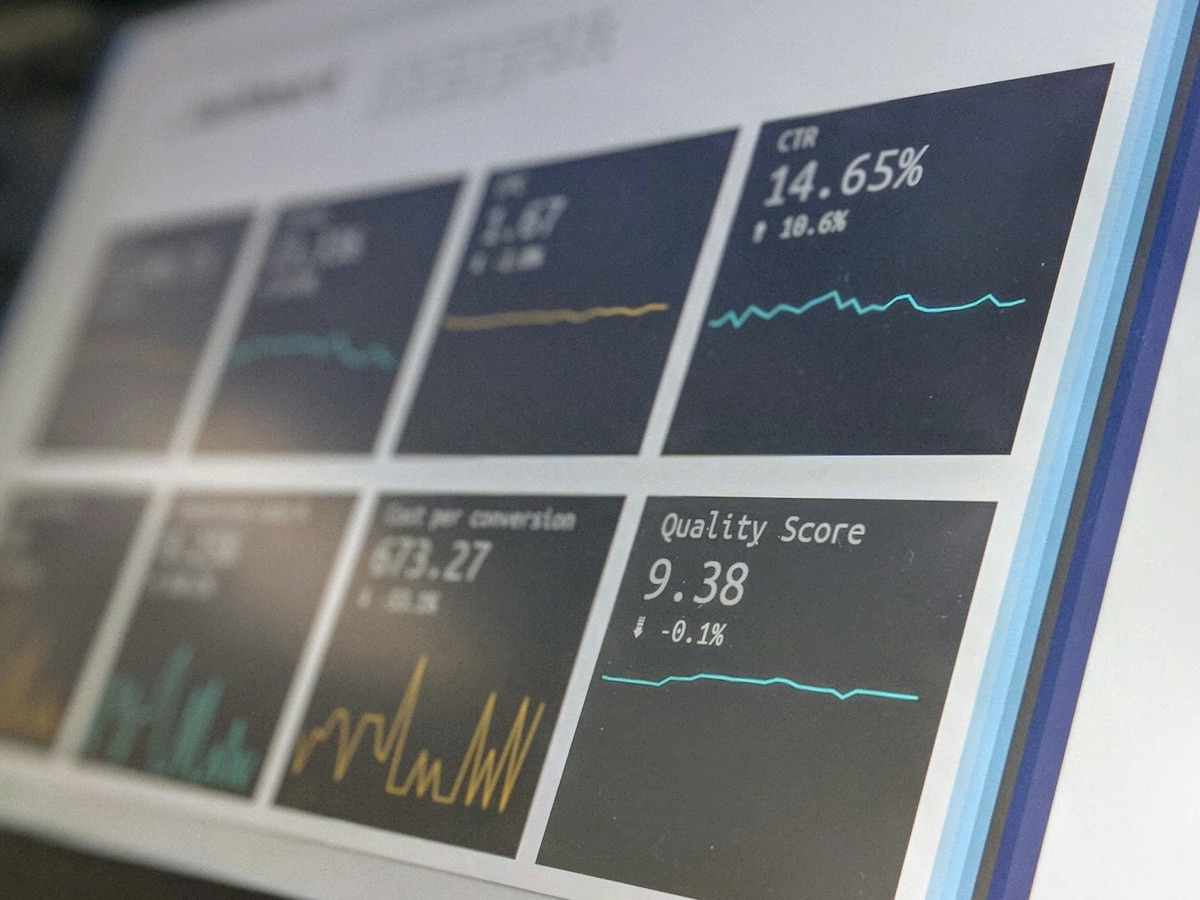
A screen with dashboards of charts and quality scores
  1. A named engineer approves

Where the work goes

Illustration
  • A resilient platform
  • A less resilient platform

The AIEngineers

The AI takes the routine work. Engineers take what it cannot, so the less resilient the system, the more of the work is theirs.

From Professional, our engineers apply the fix and harden it. At Starter and Essentials, they tell your team the fix to apply. The first pass runs on your cloud’s own agent: AWS DevOps Agent, Azure SRE Agent or Gemini Cloud Assist investigations, a preview.

How fast a person replies

SeverityWhat it meansStarterEssentialsProfessionalEnterprise
CriticalProduction is down.4 hours1 hour30 minutes15 minutes
HighA main function is badly degraded.12 hours4 hours2 hours1 hour
MediumDegraded, with a workaround.1 business day12 hours8 hours4 hours
LowA question or a small fault.3 business days2 business days1 business day1 business day

A first reply is not a fix.

Price by platform size and service level

Level feeThe engineers, the reports and the reviews
Each platformPriced by size: Small, Standard or Large
Your monthEach platform you add costs only its own price

Work out your price

Service level
Your platforms
SmallUp to $3,000 a month, one region

$250 each

Standard$3,000 to $12,000 a month, up to two regions

$500 each

Large$12,000 to $40,000 a month, three or more regions

$1,000 each

More than 30 platforms of one size? We quote it against your estate.

Starting price

$900a month

Level fee
$650
Small: 1 × $250
$250
About per platform
$900
What counts as a platform
One production application, with its staging and test, in one cloud account. Its size is the highest limit it reaches, confirmed in the discovery week. Above $40,000 a month is quoted from the Large price.
Not in the price
The cloud bill itself. The final price is agreed in writing first.

What we run, area by area

Pick an area

Monitoring

AI watches health, capacity and cost, and cuts the noise so an alert means something.

What we do

  • Set a baseline of alarms for each resource type
  • Let the AI group related alerts into one incident
  • Tune or remove any alarm that needs no action

You receive

  • Each alarm, with an owner and a threshold
  • The alert history, in the monthly report

On each cloud

AWS
Amazon CloudWatch alarms and dashboards, with AWS Health events
Azure
Azure Monitor alerts and workbooks, with Azure Service Health
Google Cloud
Cloud Monitoring alerting and dashboards, in Google Cloud Observability

We scope each workload on your cloud.

Incident response

The AI starts the investigation, and an engineer confirms the cause and the fix and tells you what happened.

What we do

  • Start an AI investigation the moment an alert arrives
  • Confirm what is affected and set the severity
  • Apply the fix through a role you can revoke, from Professional

You receive

  • An incident record for each one
  • A written summary after a major incident, at Enterprise

On each cloud

AWS
AWS DevOps Agent, with CloudWatch alarms and Amazon EventBridge rules paging our on-call tool
Azure
Azure SRE Agent, with Azure Monitor alerts and action groups
Google Cloud
Gemini Cloud Assist investigations, a preview, with Cloud Monitoring alert policies

We scope each workload on your cloud.

Patching and security

We keep systems updated in windows you agree, and watch the findings your cloud raises.

What we do

  • Agree maintenance windows and patch baselines
  • Snapshot first, patch staging before production
  • Investigate failed updates and roll back when needed

You receive

  • A patch status report
  • Security findings, each with an owner and a fix

On each cloud

AWS
AWS Patch Manager, with AWS Security Hub, AWS Config and Amazon GuardDuty
Azure
Azure Update Manager, with Microsoft Defender for Cloud
Google Cloud
VM Manager OS patch management, with Security Command Center

We scope each workload on your cloud.

Backup and recovery

We keep copies you can restore, and prove that they work.

What we do

  • Set backup plans from the recovery targets you give us
  • Watch every backup job and fix the ones that fail
  • Restore from backup during an incident

You receive

  • Backup coverage and restore test results
  • A drill report against your targets, at Enterprise

On each cloud

AWS
AWS Backup, with its restore testing
Azure
Azure Backup and Azure Site Recovery
Google Cloud
Backup and DR Service

We scope each workload on your cloud.

Cost and capacity

We show where the money goes, take out waste and keep capacity ahead of demand.

What we do

  • Report spend by service and by tag each month
  • Flag idle and oversized resources
  • Switch non-production off outside working hours

You receive

  • A monthly service and cost report
  • A list of savings, with the effort for each, from Professional

On each cloud

AWS
AWS Cost Explorer, AWS Budgets and AWS Compute Optimizer
Azure
Azure Cost Management and Azure Advisor
Google Cloud
Cloud Billing reports and Active Assist recommendations

We scope each workload on your cloud.

Changes and releases

Every change goes through code and review, so it is recorded and can be reversed.

What we do

  • Take requests for scoped changes: an alarm, a backup plan
  • Make infrastructure changes through reviewed code
  • Support your release pipeline, from Professional

You receive

  • A record of each change
  • The templates, in your own repository

On each cloud

AWS
AWS CloudFormation or Terraform
Azure
Bicep or Terraform
Google Cloud
Terraform

We scope each workload on your cloud.

How a service starts

  1. Step 1: DiscoverWe agree scope and contacts and read what exists.
  2. Step 2: ConnectAlarms and backups are set, and the AI reads your telemetry.
  3. Step 3: ShadowWe run beside your team. Nothing changes without approval.
  4. Step 4: Go liveAlarms have owners and a restore has worked.
  5. Step 5: RunReports and the reviews begin.

Questions before you request a quote

Do you need root access, and who owns the accounts?

No root user, ever. We work through roles you create and can revoke, and your cloud’s audit log records every action. Accounts, data and root access stay with you.

Does the AI change anything in our accounts?

Not on its own. It proposes and a named engineer approves, except a runbook you approved in writing for a known, safe fault, from Professional.

Why not just use the cloud’s own agents?

We use them for the first pass. They find and explain. Our engineers confirm each finding and answer for the result, and from Professional a named engineer fixes and hardens it.

Which clouds do you run workloads on?

Any cloud you run on. We scope each workload at the start, so you know what we cover.

How is it priced, and what if we change level or leave?

A level fee for the team and the reviews, plus a price for each platform by size. If you leave, you keep your accounts, data and templates, and we hand over the runbooks and remove our roles.

  1. You writeWith the form, or to [email protected]
  2. An engineer repliesWithin one business day, from the team that would do the work
  3. You get a scope and a priceIn writing, before any work starts